This tutorial gives instructions on how to set up a VPN using Private Internet Access. Our guide serves as an educational example and doesn’t equal a product endorsement. Do your own research as to which VPN product is the best one for protecting your digital privacy.
- To download Private Internet Access, go to https://www.privateinternetaccess.com/pages/buy-vpn/.
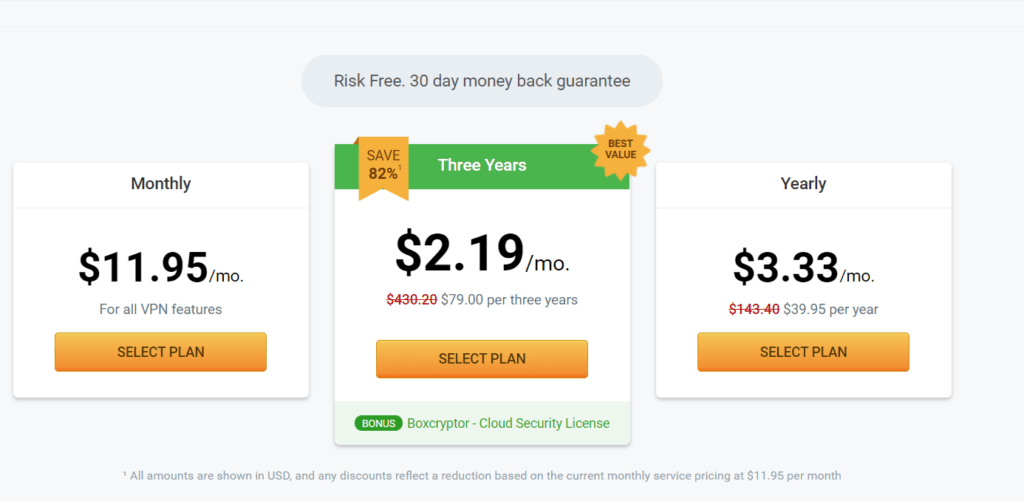
- Scroll until you see the following page and select a plan that works for you. Once you purchase Private Internet Access, you can use it on up to 10 devices.
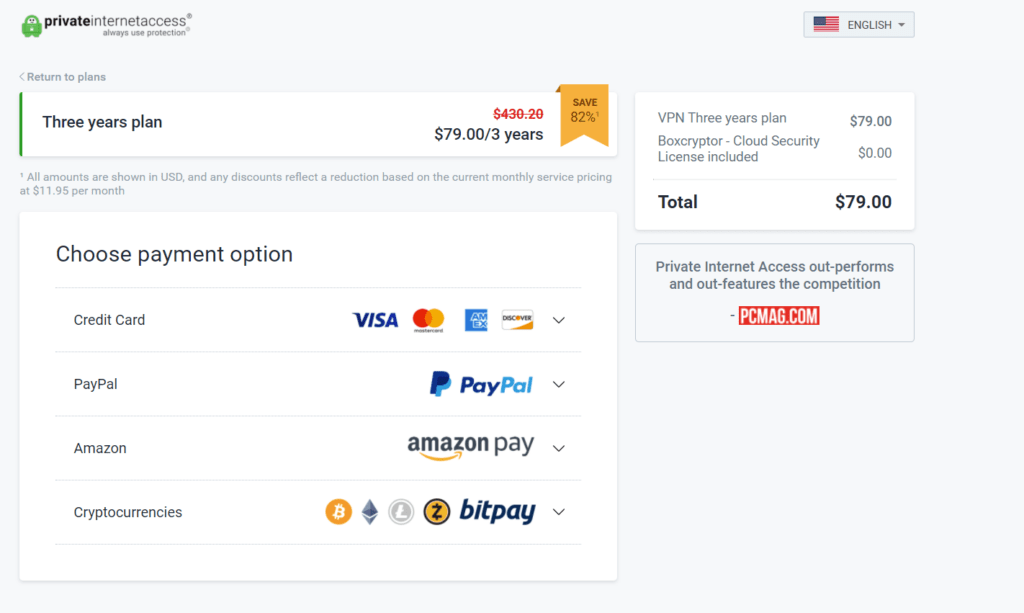
- You’ll see a variety of payment options. You can even pay with cryptocurrencies, including BTC, ETH, and ZEC. You'll also need to register with an email address.
- Now you can download the VPN on your device. The site auto-detects your device and displays download links.Note: In this example, I'm using Windows. If you're using a different device (e.g. macOS or Linux), you'll see download links for your specific device at the top of the page here.
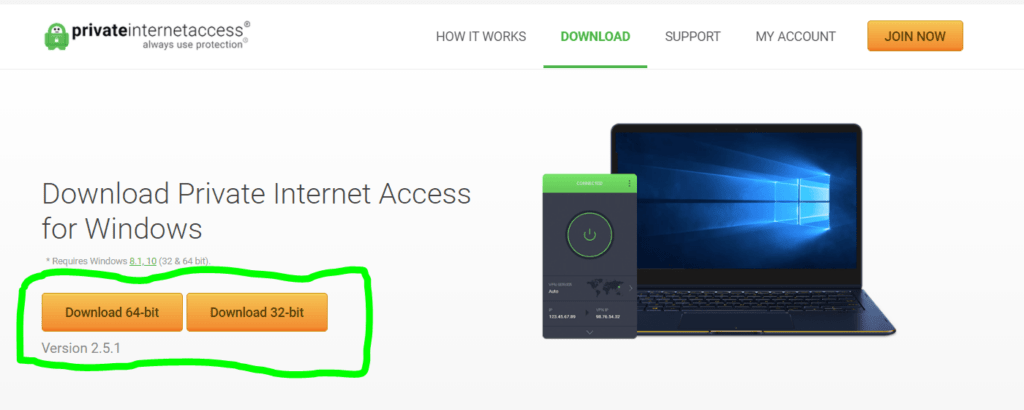
- Want to find download links for other devices or browser extension options? Just scroll down a bit further.
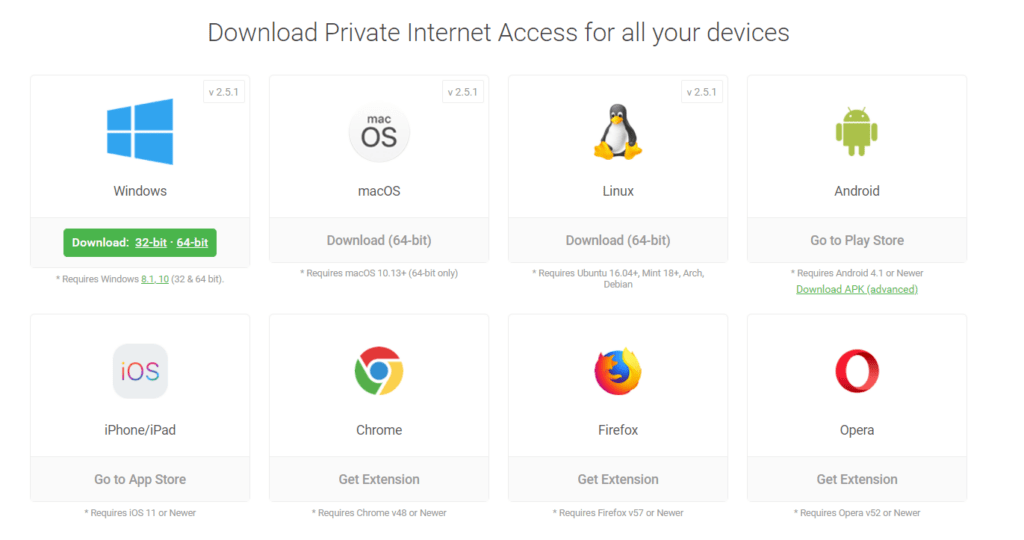
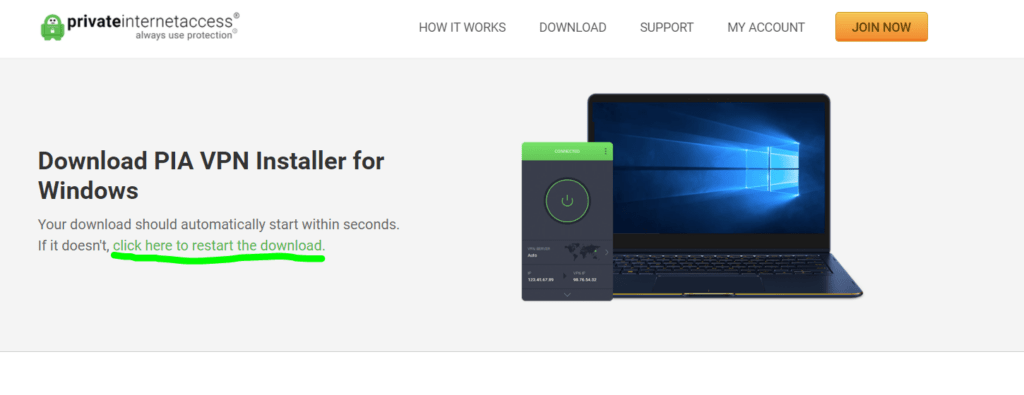
- After selecting one of these options, your download will start. The Private Internet Access app should download automatically on this page.
- If your download doesn't start automatically, click the link that says "click here to restart the download."
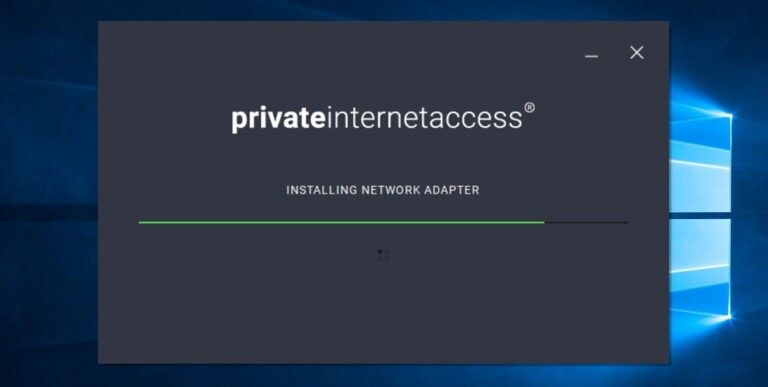
- Private Internet Access will install automatically.
- You can now log in to start using your VPN or take the quick tour.
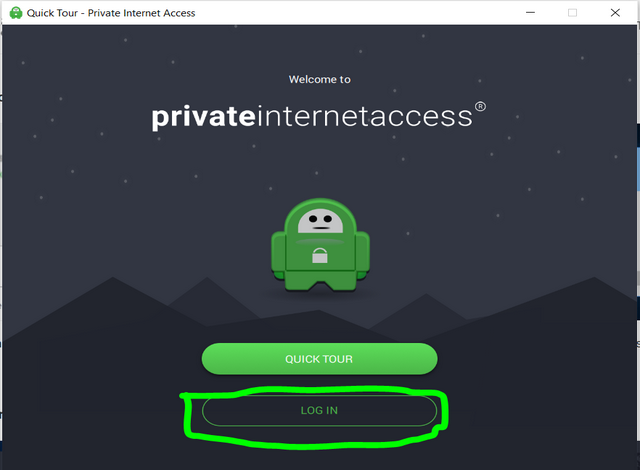
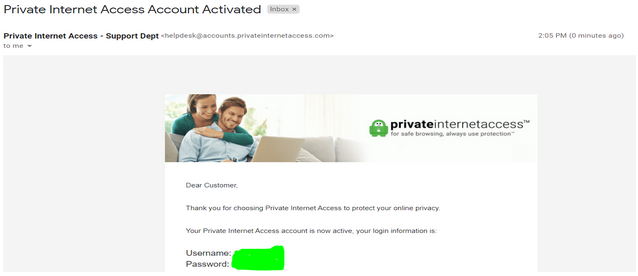
- To log in, you’ll need to find your username and password in the confirmation email. This information is auto-generated whenever you purchase an account.
- Note: You can update your password anytime by going to https://www.privateinternetaccess.com/pages/client-control-panel#account-settings
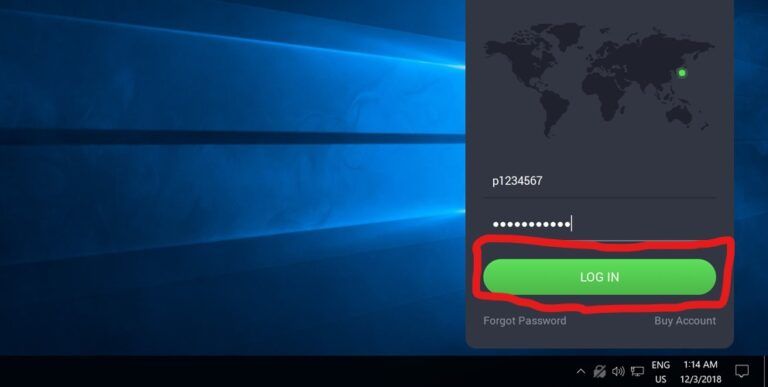
- Return to the login screen on your device. Type your username and password. Then, click "Log In."
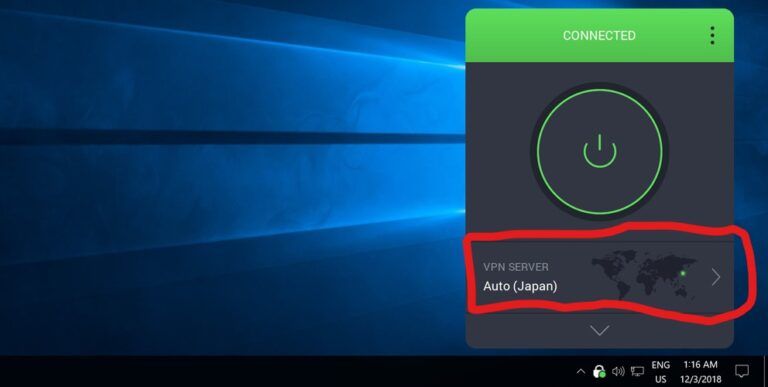
- After logging in, click the power button to activate your VPN.
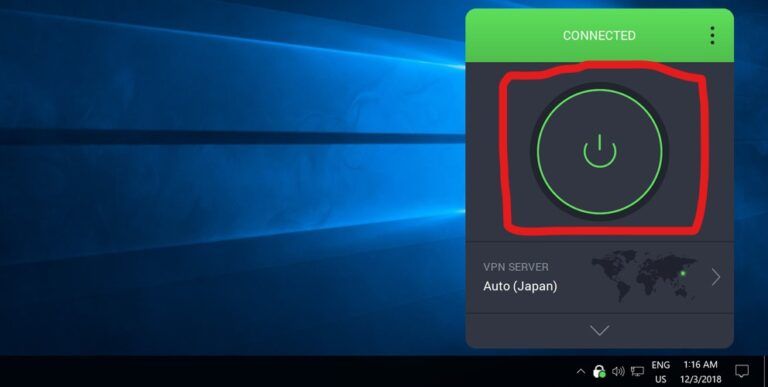
- Want to change to another region? Select the map on the VPN app for more options.
- As of this writing, Private Internet Access has 19,037 VPN and Proxy servers in 97 locations across 76 countries. The up-to-date list of supported regions can be found here. https://www.privateinternetaccess.com/pages/network/